
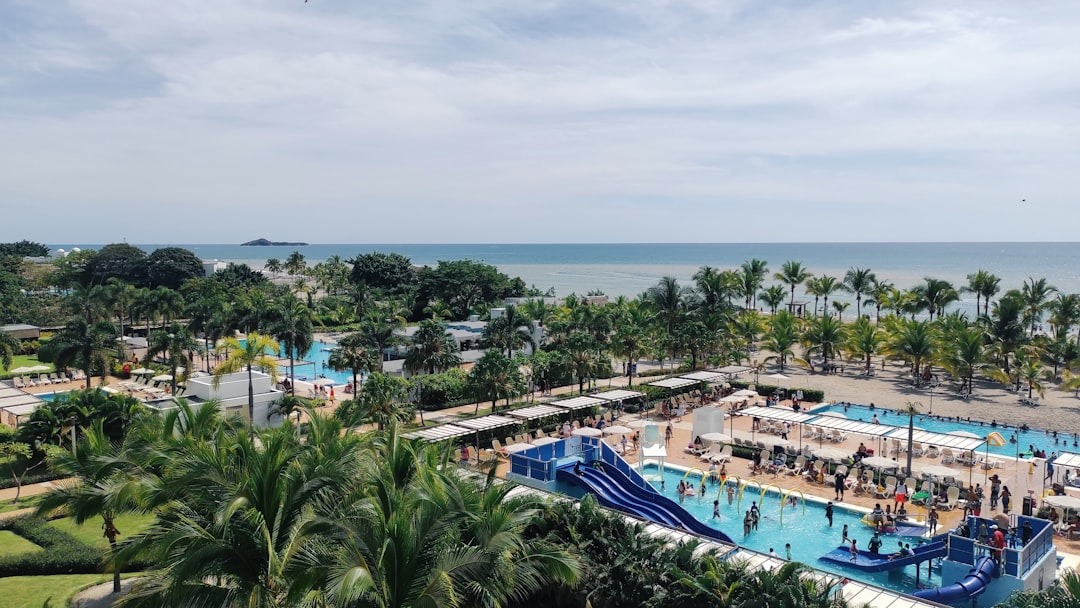
So you’re finally doing it: Panama! And if you’re a first-timer, I already know the questions: Which airport? What’s the easiest airline? Is it safe? How do I get from the airport? Do I need a SIM? Hotel or Airbnb?
This guide walks you through everything in order, from booking your flight to getting settled with transportation, data on your phone, and the apps you’ll actually use.
Step 1: Book your flight (Copa Airlines is one of the easiest options)
If you’re coming from the U.S., Canada, or the Caribbean, Copa Airlines is a super common choice because it connects through Panama really smoothly.
When booking, keep these in mind:
- Fly into Tocumen International Airport (PTY) (this is the main international airport in Panama City).
- If you see flights connecting through PTY, that’s normal, as it’s Copa’s hub.
- Try to arrive during daytime if you can (it makes the first-day “settling in” easier).
Quick tip: Screenshot or save your flight + hotel details offline in case your signal is weak when you land.
Step 2: Choose where to stay (Hotel vs Airbnb vs Hostel)
Where you stay can make or break your trip especially if you don’t know the city yet.
Option A: Hotels (easy + predictable)
Hotels are great if you want:
- A front desk to help with taxis, tours, and questions
- Daily cleaning
- A more “plug-and-play” experience
Best for: short trips, first-time visitors, anyone who wants convenience.
Option B: Airbnb (more space + “live like a local”)
Airbnbs are great if you want:
- A kitchen (huge money saver)
- More space
- A neighborhood vibe
Best for: longer stays, families, people who want to cook or do laundry.
Smart safety tip: choose listings with lots of recent reviews, clear check-in instructions, and a location you can actually map.
Option C: Hostels (budget-friendly + social)
Hostels can be perfect if you’re:
- Solo traveling
- On a tight budget
- Wanting to meet other travelers
Best for: backpackers, students, solo travelers who like community.
Step 3: Book accommodation in the right area
If you’re staying in Panama City for the first time, you’ll usually hear these areas mentioned:
- Casco Viejo (historic, walkable, cute cafés: (night life, very touristy, noisy at nights)
- El Cangrejo (walkable, local feel, lots of food options)
- Calle 50, San Francisco (shopping, central, convenient)
- Punta Paitilla / Punta Pacifica (more upscale, close to malls/hospitals)
- Via Espana/Bella Vista (near the metro area)
- Avenida Balboa/Marbella (near the Cinta Costera and Mercado de Maricos seafood restaurants)
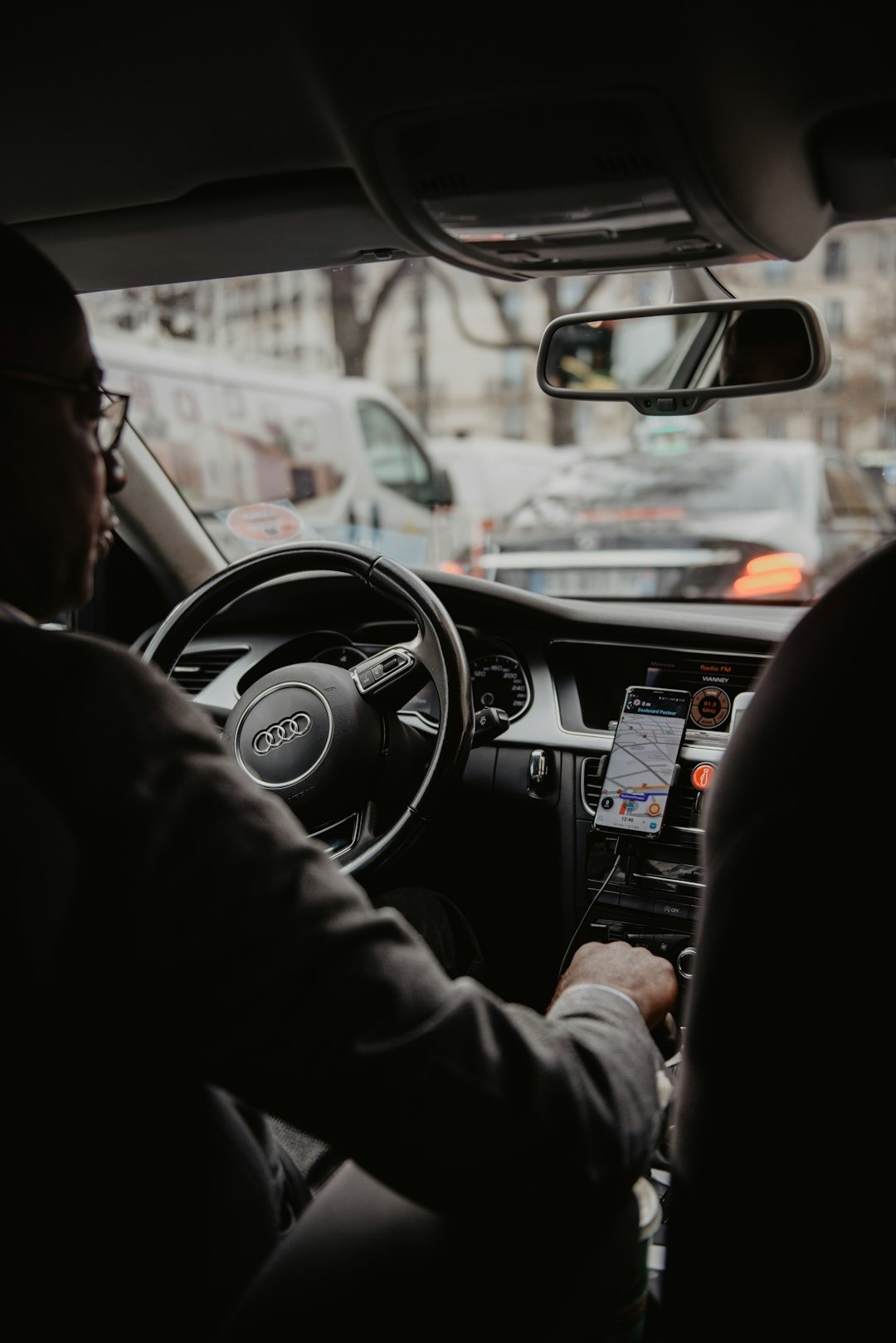
Step 4: Plan airport transportation (don’t wing this)
You have a few options leaving Tocumen airport:
Option 1: Uber (my go-to for most visitors)
Uber works in Panama and is usually the easiest for first-timers because:
- You see the price upfront
- No language stress
- No negotiating
Tip: Make sure your phone has data (we’ll fix that in Step 5).
Option 2: Taxi (works, but know this)
Taxis are available, but pricing can vary, and you usually have to negotiate otherwise you will pay a ridiculous “foreigners” price.
Option 3: Pre-book a driver (best if you want “zero stress”)
If you’re arriving late, traveling with family, or just want peace of mind, a pre-arranged pickup is super smooth.
(You can reach out to me if you need airport pickup and dropoff)
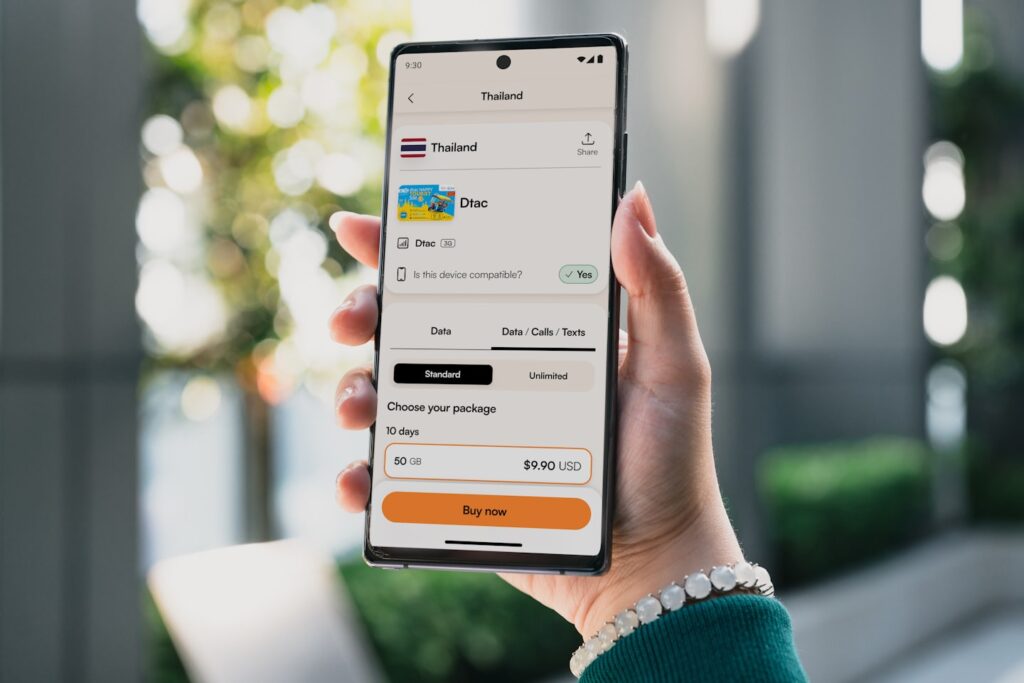
Step 5: Get data on your phone (so you’re not stuck on airport Wi-Fi)
This is the step people forget and then land and can’t open Uber, can’t message their host, and can’t pull up directions.
Easiest option: eSIM (Airalo)
If your phone supports eSIM, this is one of the simplest ways to arrive with data ready.
➡️ Watch my step-by-step Airalo setup video here.
Quick checklist before you travel:
- Check if your phone is unlocked (opened to other networks)
- Purchase an Airalo e-sim package (or your choice eSIM) just before you fly
- Turn it on when you land
Other option: Physical SIM
You can also buy a SIM locally at the airport or at a Kiosk at the Malls, but for many first-timers, eSIM is just easier.
Step 6: Download these apps before you travel (trust me)
Here’s your “Panama starter pack”:
Must-haves
- Google Maps (download offline maps if you can)
- Google Translate (download Spanish offline)
- WhatsApp (Panama uses WhatsApp a LOT for businesses + communication)
Getting around
- Uber (widely used)
- (Optional) Waze (helpful if you’re renting a car)
Food + convenience
- PedidosYa (food delivery)
- Uber Eats (depending on area)
Money + travel tools
- Your banking app
- A currency converter app (optional, Panama uses USD but it still helps some travelers coming from a country that uses other currencies)
- Airline app (Copa Airlines app if you’re flying Copa)
Step 7: Money basics (quick + important)
Panama uses the U.S. dollar. You’ll see:
- Paper money is USD
- Coins include U.S. coins + Panamanian coins (both are used)
Easy tips:
- Carry small bills ($1, $5, $10) as it helps a lot for taxis etc.
- Many places take card or Yappy if you have a local bank account, but cash is still useful for small purchases
Step 8: What to pack for Panama (aka: the real reality)
Panama is warm and humid, so pack like you’re going somewhere tropical.
Don’t forget:
- Light breathable clothes
- A small umbrella or rain jacket (depending on season)
- Comfortable walking shoes
- Sunscreen + bug spray
- A reusable water bottle
- A power bank (your phone will work overtime)
Step 9: Safety + common sense tips (the stuff I always tell visitors)
- Don’t flash expensive jewelry/large amounts of cash
- Use Uber at night if you’re unsure where you’re going
- Stay aware in crowded areas (like anywhere else)
- Save your hotel/Airbnb address in notes
Step 10: Want a smoother trip? Here’s how I can help
If you want someone on the ground in Panama to help you feel confident whether that’s airport pickup guidance, touring, personal shopping, or even helping you plan what areas to explore, I offer on-the-ground support and orientation-style experiences (not vacation package booking).
Bonus: First-timer checklist
Before you fly:
- Book flight into Tocumen Airport
- Book hotel/Airbnb/hostel + confirm check-in instructions
- Set up data plan (Airalo eSIM) + download apps
- Screenshot confirmations + save offline
- Notify your bank you’re traveling
- Pack light + breathable + rain-ready
When you land:
- Turn on data
- Order Uber / confirm pickup plan
- Message your host/hotel if needed
- Get settled, then explore
final thoughts
If you’re planning your first trip to Panama and still have questions, you’re not alone. Almost everyone does the first time.
Whether you’re visiting for a short vacation, exploring Panama before a future move, or simply wanting to experience the country beyond the tourist brochures, having the right guidance can make all the difference.
I offer on-the-ground orientation, personal guiding, and relocation-style tours for visitors who want a deeper, more confident introduction to Panama.
If you’d like help planning your visit or understanding what to expect once you arrive, you can learn more about my services here.
Safe travels, and I hope Panama surprises you in the best way.